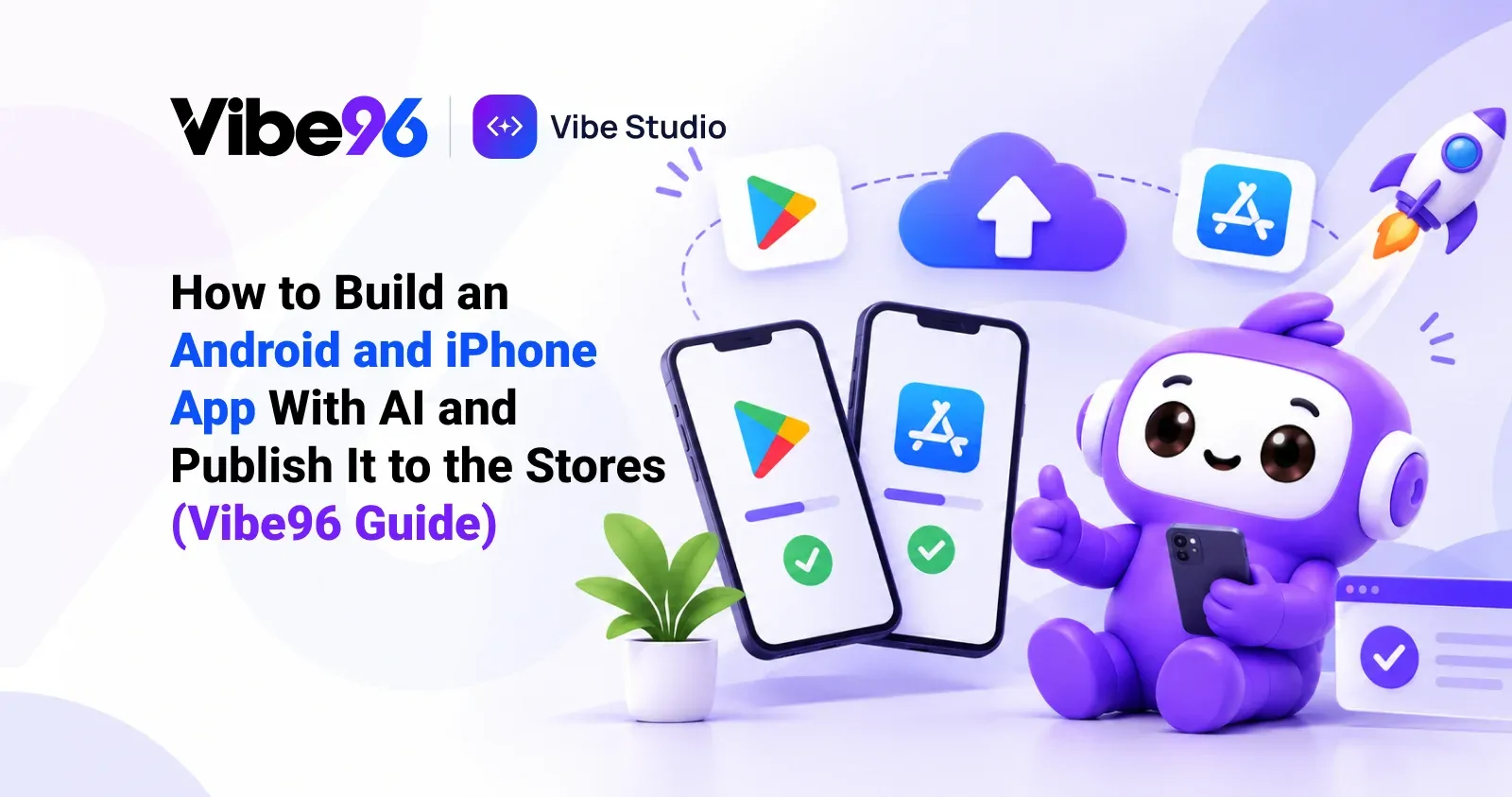
You can now build a real Android and iPhone app with AI and publish it to Google Play and the App Store without writing code. On Vibe96, the AI builder Vibe Studio builds the app, its server and its admin panel, produces the store builds for you, and keeps the app updated after launch. This guide walks through every step, including the parts most AI tools leave out.
The opportunity is big and so is the competition. There are about 2.79 million apps on the Apple App Store and 2.69 million on Google Play, and Apple says its ecosystem facilitated over $1.4 trillion in billings and sales in 2025. Quality decides who stays installed: 15.4% of users uninstall an app after a single crash, and more than half leave after two or three.
Step 1 — Plan the app with Nova
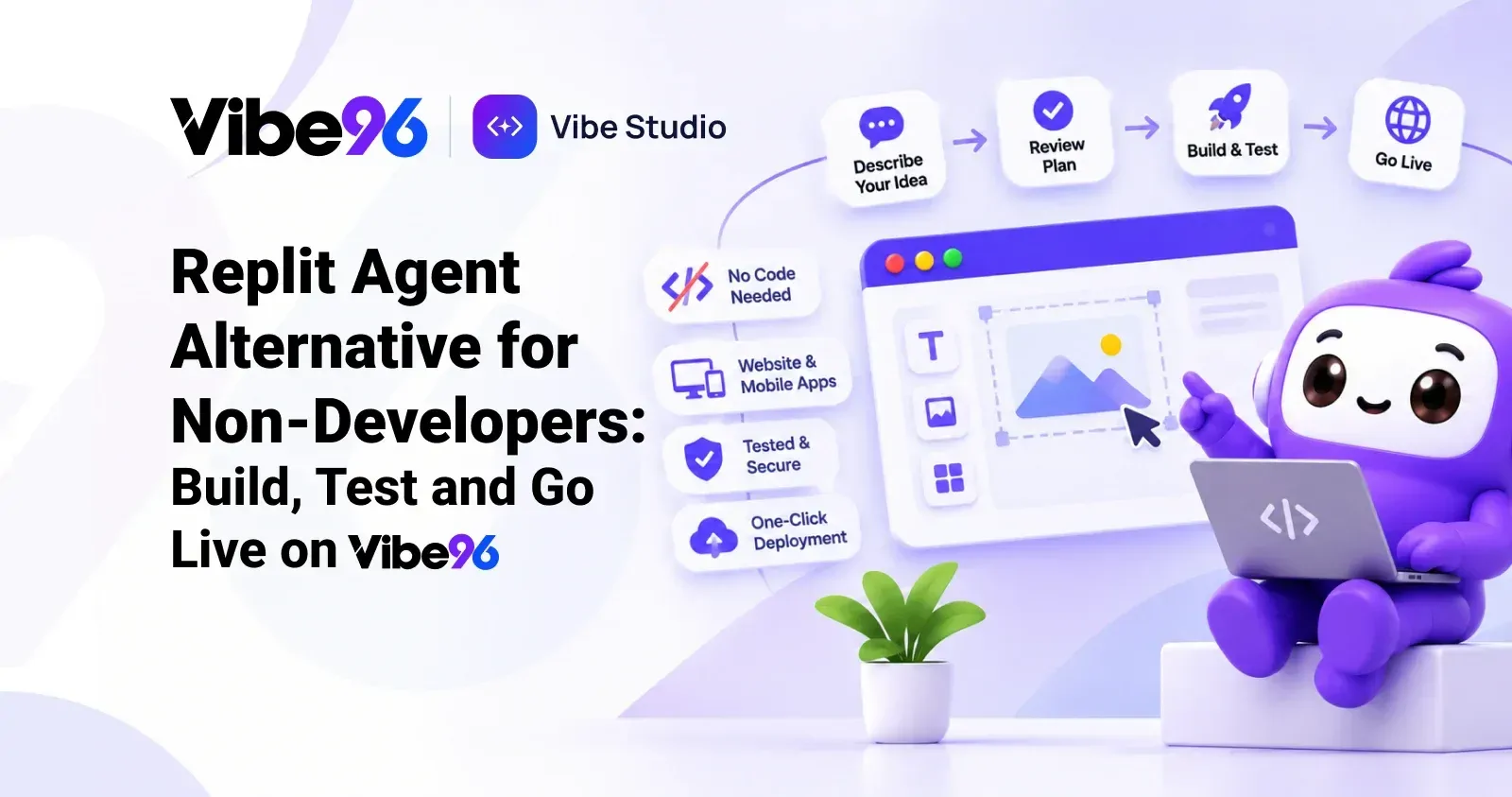
In Vibe Studio, start a project with Website and phone apps or Phone app. Describe your business and name the apps you want, for example Customer app and Driver app. Nova asks a few questions and writes a plan that lists the screens of each app — home, browse, product, cart, checkout, orders, profile, notifications, settings — and the features behind them.
Good apps are planned around the jobs people do on a phone: fast repeat orders, tracking, notifications and one-handed use. Nova plans for those by default: bottom tab navigation, large touch targets, safe areas for modern phones, and dark mode.
Step 2 — Pick the look
Choose one of three design directions. Each is shown on the website, the customer app and the admin panel together. You can change the app's style later — colours, rounded or sharp corners, floating or flat tab bar — in Project settings.
Step 3 — Develop and try it in the browser
Press Develop. When it's done, each app runs in your browser at a phone-sized address on your test link, so you can click through every screen immediately. The use-case tester can run real journeys on the app too — sign in, browse, add to cart, check out — and report pass or fail with screenshots.
Step 4 — Install it on a real Android phone
Open the Builds tab and choose Android test app (APK). Vibe Studio builds it on its own servers and gives you a download link and QR code. Install it on any Android phone to test it like a customer. Every user gets 10 free Android builds a month; after that each build costs $0.50.
Step 5 — Build for Google Play
When you are happy, choose Google Play build (AAB). Vibe Studio produces a signed Android App Bundle, the format Google Play requires. Upload it in Play Console under a testing track first (internal or closed testing), then production.
Step 6 — Build for the App Store
Add your Apple values in Project settings once: Team ID and App Store Connect API key. Then choose iOS build. Vibe Studio builds it on Expo's cloud build service, which runs the Apple build machines, so you don't need a Mac. Each iOS build costs $4. Upload to TestFlight to test on real iPhones, then submit for App Store review.
Step 7 — Prepare the store listing
The stores judge your listing as much as your app. Vibe Studio helps with the parts that come from the product:
• App icon and splash screen from your logo and brand kit (download them from the Files tab).
• Screenshots of real screens from your test link, at phone sizes.
• Privacy details: Vibe Studio's modules document what data they collect (account details, orders, location for drivers), which makes the Google Data safety form and Apple privacy labels easier.
• Account deletion: Apple and Google require that users can delete their account from inside the app. Vibe96 apps include it.
• Demo login for reviewers: store reviewers need to sign in. Vibe Studio creates a demo account you can share in the review notes.
Step 8 — Launch, then update without resubmitting
Once live, most improvements reach phones without a new store submission. Vibe96 apps support over-the-air updates: when you change screens, text or logic, installed apps pick it up the next time they open. Vibe Studio fingerprints the native parts of each build, so an update only goes to phones whose build can run it. When a change needs new native capabilities, Vibe Studio tells you a new store build is needed.
How much does it cost to build and publish?
• Building the app: each Develop run costs at most $10, $15 or $25 depending on the mode, paid from your Vibe96 wallet. A complete app usually takes a few runs as you refine it.
• Android builds: 10 free a month, then $0.50 each.
• iOS builds: $4 each.
• Server hosting: Go Live plans from $5 a month.
• Store accounts: Google Play one-time fee; Apple $99 a year.
Compare that with typical agency quotes for a custom app with a backend and an admin panel, which commonly run into tens of thousands of dollars.
What the app is built with
Vibe96 apps use React Native and Expo, the framework React Native's own team recommends: its blog calls Expo "the only recommended community framework". It's the same technology behind store apps from Coinbase, Bluesky and Tesla (Expo showcase). You can download the full source code at any time.
Watch the Android build step in the Vibe Studio tutorial video.
Frequently asked questions
Can AI build an app that is accepted on the App Store? Yes. Vibe Studio builds native iOS and Android apps with the features the stores require, such as account deletion, privacy-friendly permissions and a demo login for review. Approval always depends on Apple's and Google's review of your content.
Do I need a Mac to publish an iPhone app? No. Vibe96 builds iOS apps on a cloud build service. You need an Apple Developer Program membership.
How do I test the app on my phone before publishing? Build an Android test app (APK) and install it directly, or upload an iOS build to TestFlight.
Can I update the app without going through review again? Most updates, yes. Vibe96 apps receive over-the-air updates for changes that don't need new native code.
Start building: Build your Android and iPhone app on Vibe96 →